

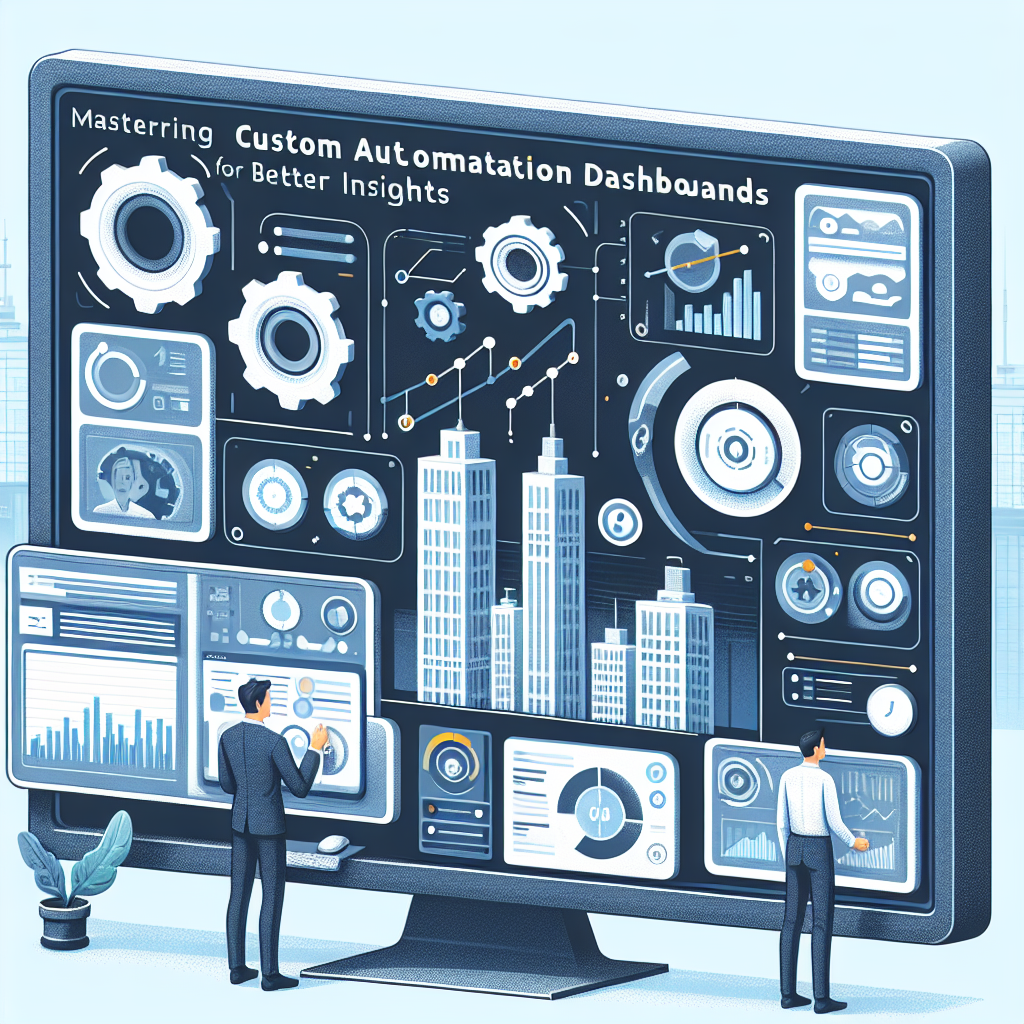
Mastering Custom Automation Dashboards for Better Insights
Introduction
In today’s data-driven world, businesses rely heavily on custom automation dashboards to gain actionable insights. These tools allow companies to visualize their data in real-time, helping them make informed decisions quickly and efficiently. This article will explore the importance of custom automation dashboards, their key components, benefits, and steps to create them effectively.
What is a Custom Automation Dashboard?
A custom automation dashboard is a visual representation of key performance metrics that integrates data from various sources to provide a comprehensive view of business operations. The primary purpose of these dashboards is to simplify the process of monitoring and analyzing data, transforming raw information into valuable insights.
Key Components
- Data Integration: Seamlessly pull data from disparate sources.
- Real-time Analytics: Provide up-to-date information for timely decision-making.
- KPI Tracking: Monitor critical performance indicators relevant to business goals.
- User-friendly Interfaces: Ensure easy navigation and accessibility for all users.
Benefits of Building Custom Dashboards
Custom automation dashboards offer numerous advantages for businesses seeking to enhance their data strategy.
Enhanced Data Visibility
With custom dashboards, organizations can visualize their data in a way that makes sense for their specific needs. This enhanced visibility allows teams to quickly identify trends and anomalies, paving the way for proactive decision-making.
Improved Decision-making
Access to real-time analytics and comprehensive performance metrics allows decision-makers to act swiftly based on factual data rather than instinct. Consequently, this leads to more strategic approaches in business operations.
Steps to Create a Custom Automation Dashboard
- Define Objectives: Clearly outline the goals you wish to achieve with the dashboard.
- Identify Key Metrics: Determine which KPIs are most relevant to your business objectives.
- Choose the Right Tools: Select automation tools that best fit your data visualization needs.
- Design the Layout: Create a layout that presents information clearly and intuitively.
- Implement Automation: Set up automated data retrieval and updates to ensure your dashboard remains current.
Best Practices for Dashboard Design
To ensure your custom automation dashboard is effective, consider these best practices:
- Simplifying Data Presentation: Use clear visuals and avoid clutter to enhance understanding.
- Ensuring Interactivity: Allow users to interact with the dashboard for deeper insights.
- Prioritizing User Experience: Design with the end-user in mind to maximize usability and engagement.
Common Challenges and Solutions
While creating custom dashboards can be beneficial, there are challenges that may arise:
Data Overload
One common issue is data overload, where too much information is presented at once. To mitigate this, prioritize key metrics and use filters to allow users to focus on specific data points.
Integration Issues
Another challenge is integrating data from various sources. To address this, choose automation tools that offer robust integration capabilities and ensure your data sources are compatible.
FAQ
What tools are best for creating dashboards?
Some of the best tools for creating custom dashboards include Tableau, Power BI, and Google Data Studio. These platforms offer various features for data visualization and analysis.
How can I ensure my dashboard stays updated?
Implement automation features that regularly update the dashboard with the latest data from your sources. This can be achieved by setting data refresh intervals or real-time data connections.
What metrics should I track on my dashboard?
The metrics to track depend on your business goals. Common KPIs include sales performance, customer satisfaction scores, and website traffic analytics.
Can I customize the design of my dashboard?
Yes, most dashboard tools allow for extensive customization. You can alter colors, layouts, and visual elements to align with your brand and improve usability.
Is it possible to share dashboards with my team?
Many dashboard platforms support sharing features, allowing you to provide access to team members and stakeholders for collaborative analysis.
How do I train my team to use the dashboard effectively?
Provide training sessions and resources that guide your team on how to navigate and utilize the dashboard. Create documentation and hold workshops for hands-on learning.