
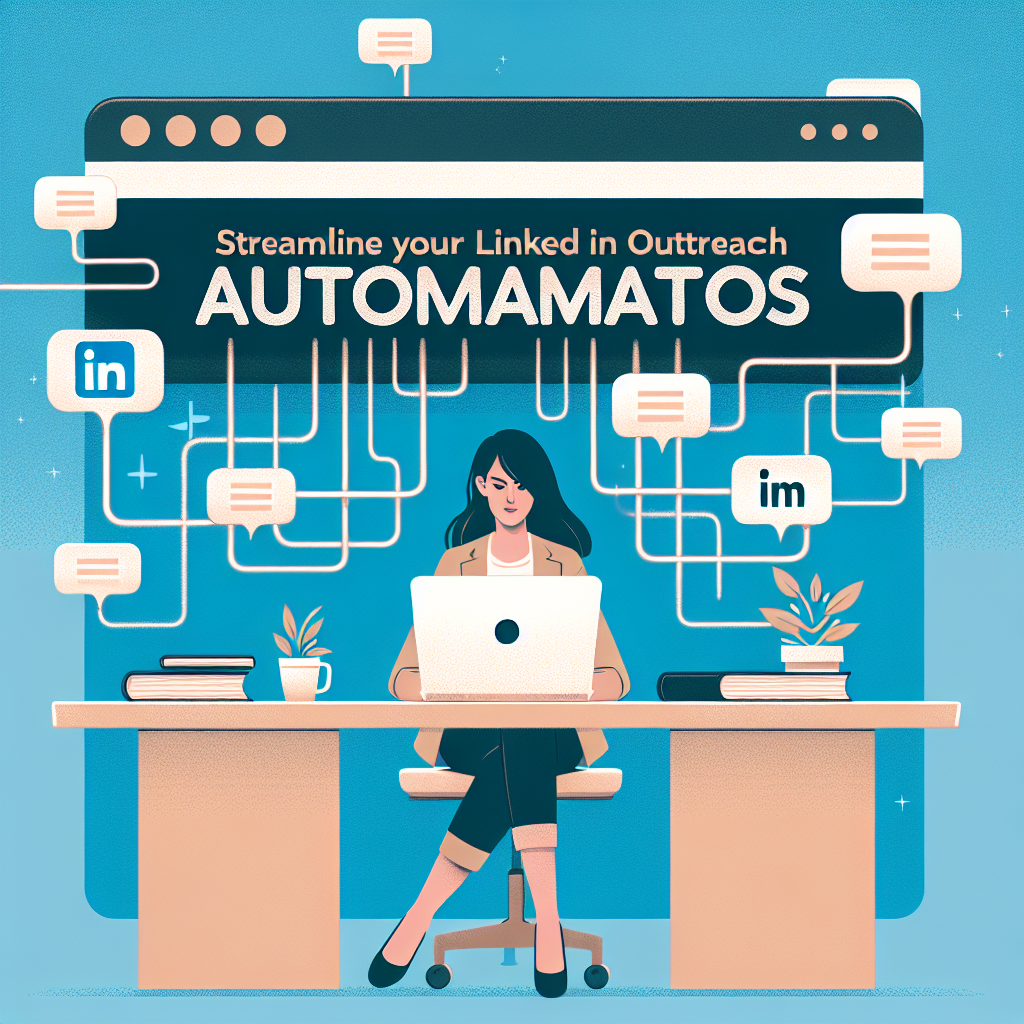
Streamline Your LinkedIn Outreach with Automation Tools
Introduction
LinkedIn is a powerful platform for networking and professional growth. However, reaching out to potential connections manually can be time-consuming and inefficient. This is where LinkedIn outreach automation comes into play. By implementing automation tools, you can streamline your outreach efforts, increase your efficiency, and ultimately improve your LinkedIn connections.
Benefits of Automating LinkedIn Outreach
- Time-saving advantages: Automation tools allow you to send multiple connection requests and messages in a fraction of the time it would take manually.
- Enhanced targeting and personalization: With the right tools, you can segment your target audience and create personalized messages that resonate with them.
Popular LinkedIn Automation Tools
Tool 1: LinkedIn Helper
LinkedIn Helper is a popular tool that enables users to automate sending connection requests, follow-up messages, and endorsements. Its features include bulk messaging, auto-responding, and customizable templates.
Tool 2: Dux-Soup
Dux-Soup is another effective LinkedIn automation tool that helps with lead generation. It allows users to view profiles in bulk, send personalized messages, and track engagement metrics.
Tool 3: Meet Leonard
Meet Leonard is designed for professionals looking to automate their LinkedIn outreach campaigns. Its standout features include automated connection requests, messaging, and the ability to set up drip campaigns.
Best Practices for LinkedIn Automation
- Dos:
- Do segment your audience for more targeted messaging.
- Do monitor your outreach success regularly.
- Don’ts:
- Don’t send generic messages; personalization is key.
- Don’t exceed LinkedIn’s connection request limits to avoid account restrictions.
Remember to maintain a personal touch, even when using automation tools.
Setting Up Your Automation Tool
Step-by-step guide to setup
- Choose the right automation tool based on your needs.
- Create an account and set up your profile.
- Import your target audience or upload a CSV file.
- Customize your message templates for outreach.
- Set your automation schedule and parameters.
- Start your outreach campaign.
Tips for initial configuration
Always begin with a manageable number of outreach requests to gauge your engagement before scaling up.
Tracking and Measuring Success
To ensure your LinkedIn automation efforts are effective, monitor key metrics such as:
- Connection request acceptance rates
- Response rates to messages
- Engagement levels with your content
Use analytics tools available within your automation software to track these metrics over time. Regularly analyze your performance to adapt your strategies accordingly.
Troubleshooting Common Issues
Common pitfalls in automation
- Sending too many requests too quickly, leading to account restrictions.
- Failing to personalize messages, resulting in low response rates.
Solutions and tips for troubleshooting
If you encounter issues, review your settings and ensure that you are adhering to LinkedIn’s policies. Adjust your automation pace based on response rates. Consider implementing a strategy that balances automation with personal interactions to enhance engagement.
FAQ
What is LinkedIn automation?
LinkedIn automation refers to using tools and software to automate tasks such as sending connection requests and messages on LinkedIn. This process helps users save time and optimize their networking efforts.
Is automating outreach against LinkedIn policies?
While LinkedIn allows some forms of automation, excessive use can violate their policies. Always review LinkedIn’s guidelines before implementing automation to ensure compliance and avoid penalties.
How can I personalize automated messages?
Utilize templates with placeholders for names and specific interests to create more personalized messages. Personalization can significantly improve your response rates and help you build stronger connections.
What are the risks of automating LinkedIn outreach?
Risks include account restrictions, lower engagement rates if messages are too generic, and potential damage to your professional reputation. It’s crucial to find a balance between automation and genuine interaction.
How do I choose the right tool for my needs?
Evaluate your outreach goals, budget, and required features to find the best LinkedIn automation tool for your needs. Consider testing a few different options to see which one aligns best with your objectives.
Conclusion
Automating your LinkedIn outreach can greatly enhance your networking efforts and improve your professional connections. By choosing the right tools and following best practices, you can maximize your outreach potential while minimizing time spent on manual tasks. Remember to blend automation with personal touches to maintain the authenticity of your interactions.